Describe an expansion slot. Note the purpose of circuit boards that fit into expansion slots. Define adapter card (also called card, expansion card, expansion board, board, adapter, interface card, add-in, or add-on). Define peripheral. List examples of peripherals. What are some different kinds of adapter cards? Explain how adapter cards are installed. Describe sound card and video card (also called a graphics card or video adapter). Define Plug and Play. How does Plug and Play work?
Describe an expansion slot. Note the purpose of circuit boards that fit into expansion
slots. Define adapter card (also called card, expansion card, expansion board, board,
adapter, interface card, add-in, or add-on). Define peripheral. List examples of peripherals.
What are some different kinds of adapter cards? Explain how adapter cards are installed.
Describe sound card and video card (also called a graphics card or video adapter). Define
Plug and Play. How does Plug and Play work?
The correct answer and explanation is :
Expansion Slot and Adapter Cards
Expansion Slot
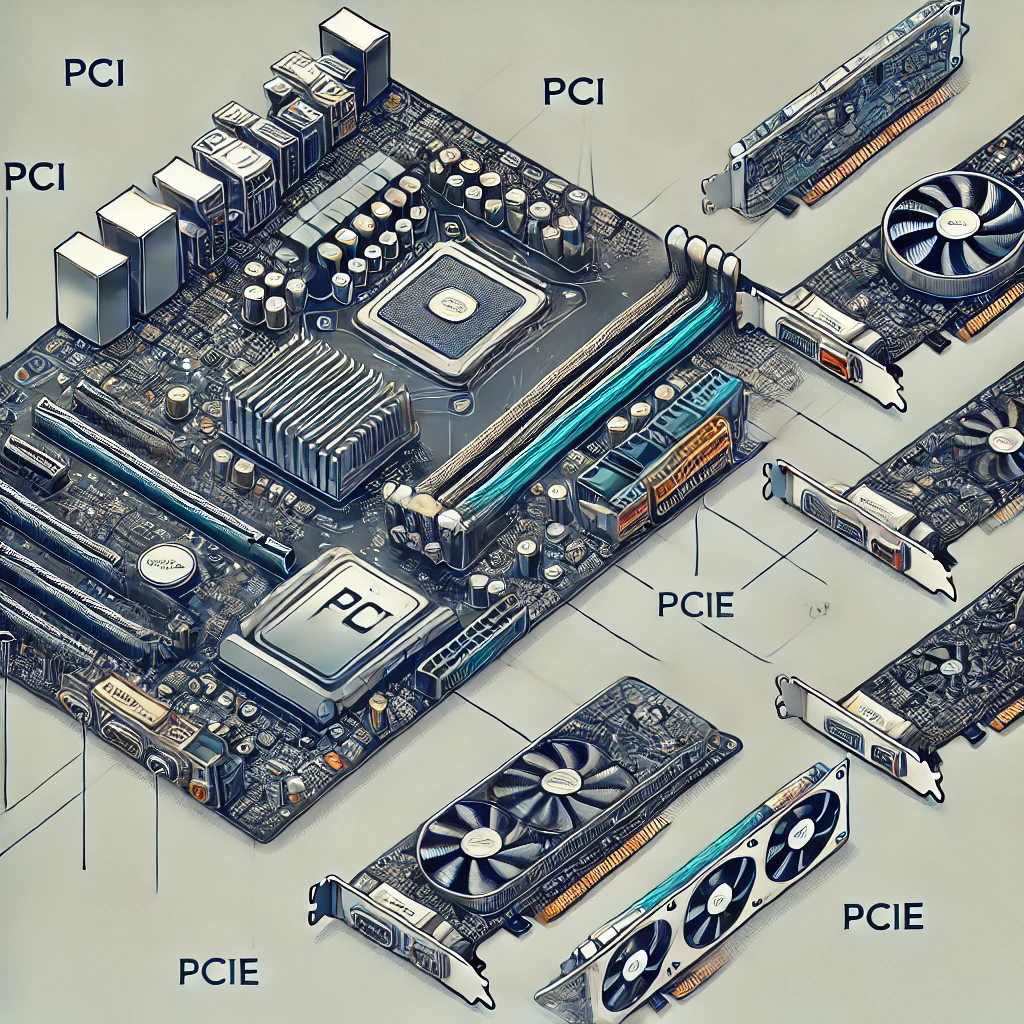
An expansion slot is a physical slot on a motherboard where an expansion card can be inserted. These slots enable users to add extra functionality to a computer, such as improved graphics, sound, or networking capabilities. Expansion slots support circuit boards, which contain electronic components that enhance or expand the capabilities of a computer system.
Adapter Card (Expansion Card, Board, or Add-on)
An adapter card, also called an expansion card, expansion board, interface card, or add-on, is a small circuit board inserted into an expansion slot to provide additional features or improved performance. Examples include graphics cards, sound cards, network interface cards, and storage controllers.
Peripheral
A peripheral is an external or internal device that connects to a computer to expand its capabilities. These devices work with the computer but are not part of its core architecture.
Examples of Peripherals:
- Input Devices: Keyboard, mouse, scanner, webcam
- Output Devices: Monitor, printer, speakers
- Storage Devices: External hard drives, USB flash drives
- Communication Devices: Modems, network adapters
Types of Adapter Cards:
- Graphics Card (Video Card) – Enhances display performance for gaming and multimedia
- Sound Card – Improves audio quality for music, gaming, and editing
- Network Interface Card (NIC) – Enables wired/wireless networking
- TV Tuner Card – Allows television signal reception
- Capture Card – Records video from external sources
Installing Adapter Cards:
- Power off the computer and unplug it.
- Open the computer case.
- Locate the appropriate expansion slot (PCI, PCIe).
- Insert the adapter card firmly into the slot.
- Secure it with screws or clips.
- Close the case, reconnect power, and turn on the system.
- Install necessary drivers if required.
Sound Card and Video Card:
- Sound Card: Enhances audio output and recording. It provides better sound quality than the built-in motherboard audio.
- Video Card (Graphics Card): Processes visual data and improves video performance for gaming, 3D rendering, and video editing.
Plug and Play (PnP):
Plug and Play (PnP) is a technology that allows a computer to automatically detect and configure hardware devices without manual installation.
How Plug and Play Works:
- The operating system detects the newly installed device.
- The system locates and installs necessary drivers.
- The device is configured automatically for immediate use.
This makes hardware upgrades easier and user-friendly.
Here is an image illustrating expansion slots and adapter cards: