The shortcut keys used to center a paragraph are __.
a. CTRL+T
b. CTRL+M
c. CTRL+SHIFT+T
d. CTRL+E
The correct answer and explanation is :
The correct answer is:
d. CTRL+E
Explanation
In Microsoft Word and most other word processing software, shortcut keys help users perform tasks more efficiently. To center a paragraph, you can use CTRL+E on Windows. This shortcut aligns the selected text or paragraph in the center of the document.
Why CTRL+E?
- The “E” in CTRL+E stands for “Equal spacing on both sides,” which is a way to remember that this shortcut centers the text.
- Centering text is often used for titles, headings, quotes, or decorative text elements to enhance document readability and visual appeal.
Other Alignment Shortcuts in Microsoft Word
- Left Align:
CTRL+L→ Aligns text to the left margin. - Right Align:
CTRL+R→ Aligns text to the right margin. - Justify:
CTRL+J→ Spreads text evenly between both margins.
Why Not the Other Options?
- CTRL+T: This indents the first line of a paragraph, not centering.
- CTRL+M: This increases the left indent of the paragraph.
- CTRL+SHIFT+T: This decreases the hanging indent.
Uses of Center Alignment
- Titles and Headings
- Cover Pages
- Certificates
- Poems and Quotes
- Branding Elements in Documents
Using shortcuts like CTRL+E helps improve document formatting speed and efficiency, making work smoother and more professional.
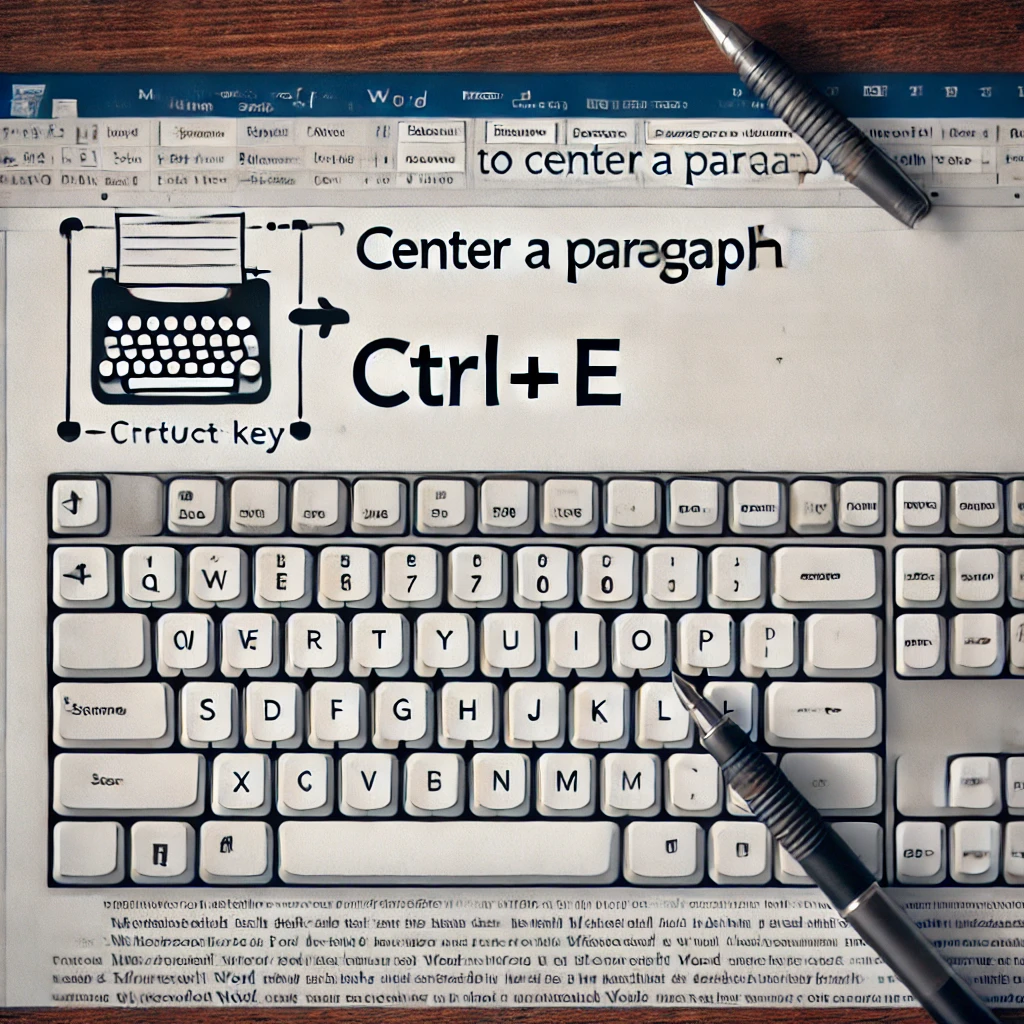
Here is an instructional image demonstrating how to center a paragraph using the CTRL+E shortcut in Microsoft Word. It includes a visual of a keyboard highlighting the CTRL and E keys, along with a document showing a centered paragraph.