A user is unable to reach the website when typing http://www.cisco.com in a web browser. However, she can reach the same site by typing http://72.163.4.185. What is the issue? 1. default gateway 2. DHCP 3. DNS 4. TCP/IP protocol stack.
The correct answer and explanation is:
Correct Answer: 3. DNS (Domain Name System)
Explanation:
The issue described suggests a problem with the Domain Name System (DNS). DNS is responsible for translating human-friendly domain names (like www.cisco.com) into IP addresses (like 72.163.4.185), which computers use to communicate over the internet.
Since the user is able to access the website using its IP address but not the domain name, it indicates that the DNS resolution process is failing. Here’s a breakdown of why DNS is the culprit:
- How DNS Works
When a user entershttp://www.cisco.cominto a web browser, the request is sent to a DNS server, which translates the domain name into an IP address. The system then uses this IP address to establish a connection to the website. - Possible Reasons for DNS Failure
- Incorrect DNS Settings: The user’s computer or network may be using an incorrect or non-functional DNS server.
- DNS Server Outage: The configured DNS server might be down or unresponsive.
- Corrupt DNS Cache: A corrupted local DNS cache can cause domain resolution failures.
- ISP Issues: The internet service provider’s (ISP) DNS servers may be experiencing issues.
- Firewall or Security Software: Some security settings may be blocking DNS queries.
- Troubleshooting Steps
- Flush DNS Cache: Running
ipconfig /flushdns(Windows) orsudo dscacheutil -flushcache(Mac) can help. - Change DNS Server: Switching to a public DNS server like Google DNS (
8.8.8.8,8.8.4.4) or Cloudflare DNS (1.1.1.1) can resolve the issue. - Check Network Configuration: Ensure the correct DNS settings are configured in network properties.
- Test with Another Device: If another device has the same issue, the problem may be with the network-wide DNS settings.
- Flush DNS Cache: Running
Since the problem is related to domain name resolution rather than connectivity (as the user can access the site via its IP), DNS is the clear culprit.
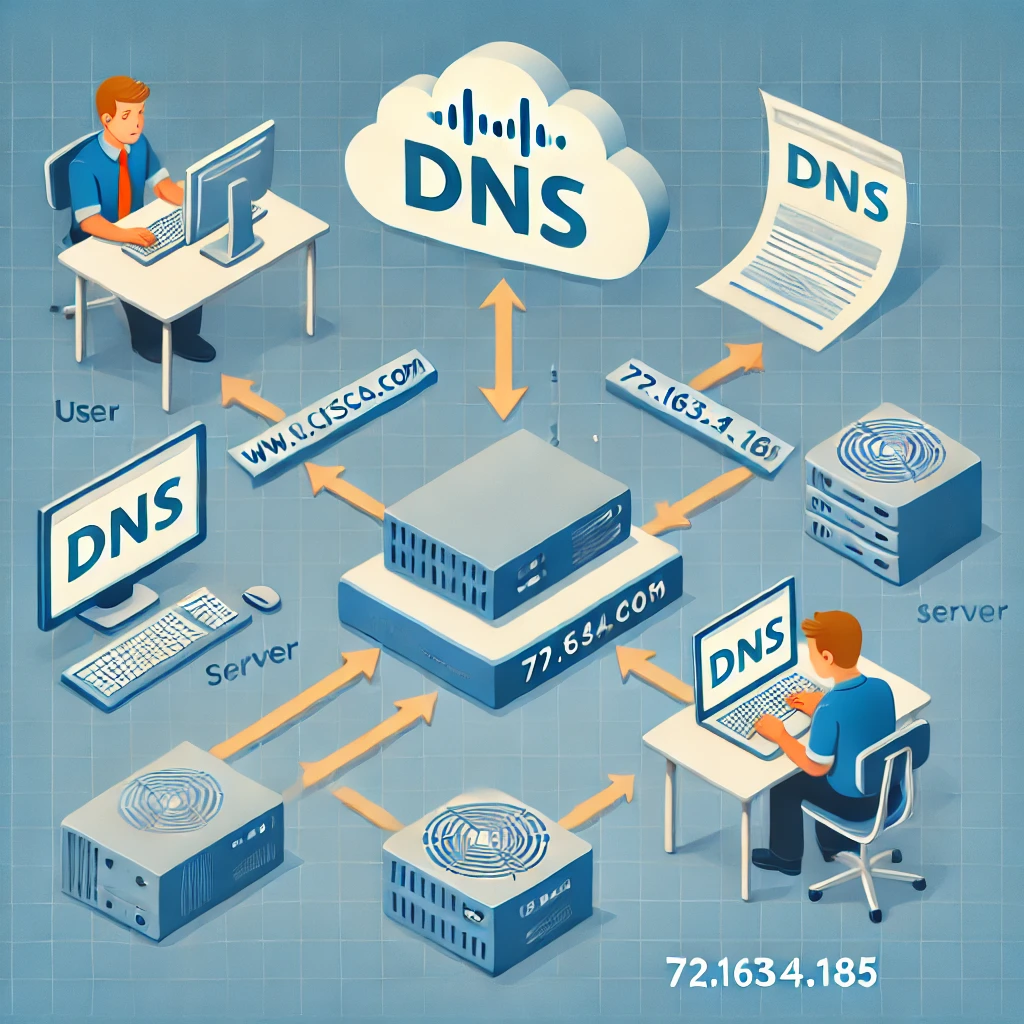
Now, I’ll generate an image illustrating how DNS works.
Here is an educational diagram illustrating how DNS works. It visually represents the process of resolving a domain name to an IP address, helping to understand why DNS failures can lead to website inaccessibility. Let me know if you need any modifications!