Which statement is true when importing lists into QuickBooks Online?
When importing lists, check a box to overwrite customers with identical names
When importing lists, vendors with an identical name will automatically be overwritten
When importing lists, customer and vendor lists can be combined and imported together
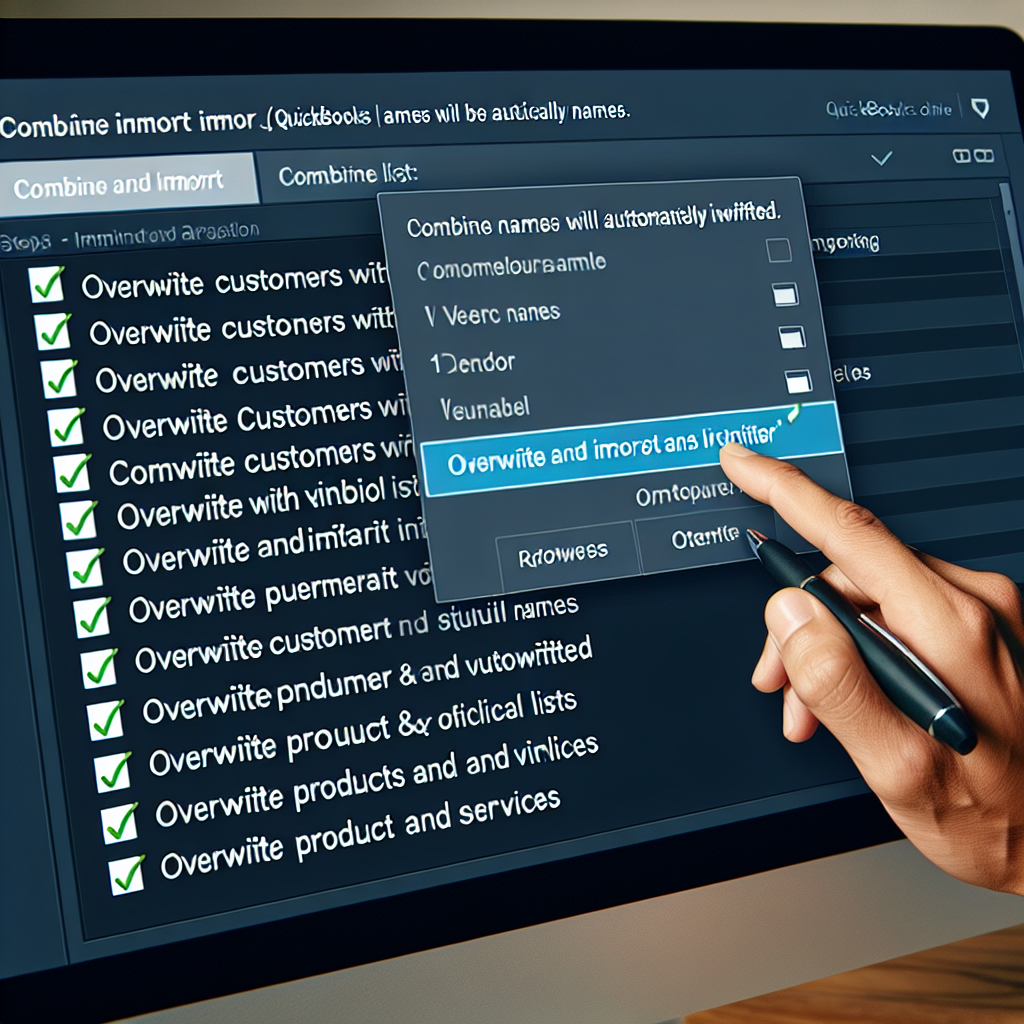
When importing lists, check a box to overwrite products and services with identical names
The correct answer and explanation is :
When importing lists into QuickBooks Online, the statement that is true is: “When importing lists, check a box to overwrite products and services with identical names.”
QuickBooks Online allows users to import various lists, including customers, vendors, products, and services, to streamline data management. During the import process, QuickBooks provides an option to overwrite existing products and services that have identical names. This feature is particularly useful when updating product or service information in bulk, ensuring that the latest data replaces outdated entries.
It’s important to note that this overwrite function applies specifically to products and services. For customers and vendors, QuickBooks Online does not automatically overwrite entries with identical names during the import process. Instead, it prompts users to review potential duplicates, allowing them to decide whether to merge records or retain both entries with modifications to distinguish them.
Additionally, customer and vendor lists cannot be combined and imported together; they must be imported separately to maintain data integrity.
When opting to overwrite products and services with identical names, exercise caution, as this action is irreversible. It’s advisable to back up your data before proceeding with the import to safeguard against unintended data loss. Properly preparing your import files and understanding QuickBooks Online’s import functionalities can help maintain accurate and up-to-date records in your accounting system.